











































































Your shopping cart is empty!









×

Product ID: 16662
Product Code: CB-PR001
EAN: 3802611140017
Weight: 0.05kg
Availability: Out Of Stock
Price:
3.60 €
Ex Tax: 3.00 €
Ex Tax: 3.00 €
10 or more 3.40 €
×
| * Name: | |
| * Email: | |
| Telephone: | |
| * Competitor link | |
| * Competitor price | |
| Message |


Personalised printing with your own circular designs
Turn your favourite photos, illustrations or business logo into a personal decoration for your sweet creations. With our template and the online editor, you create your own design within a preset arrangement of circular positions. We print your finished project on the paper you select.
🎨 A ready layout for your ideas
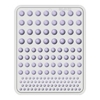
This template provides a starting layout for circular images to decorate cupcakes, cookies and other treats. Add your own photo, themed artwork or logo and align it in the chosen position. Create a design for a birthday, christening, wedding, seasonal celebration or business event.
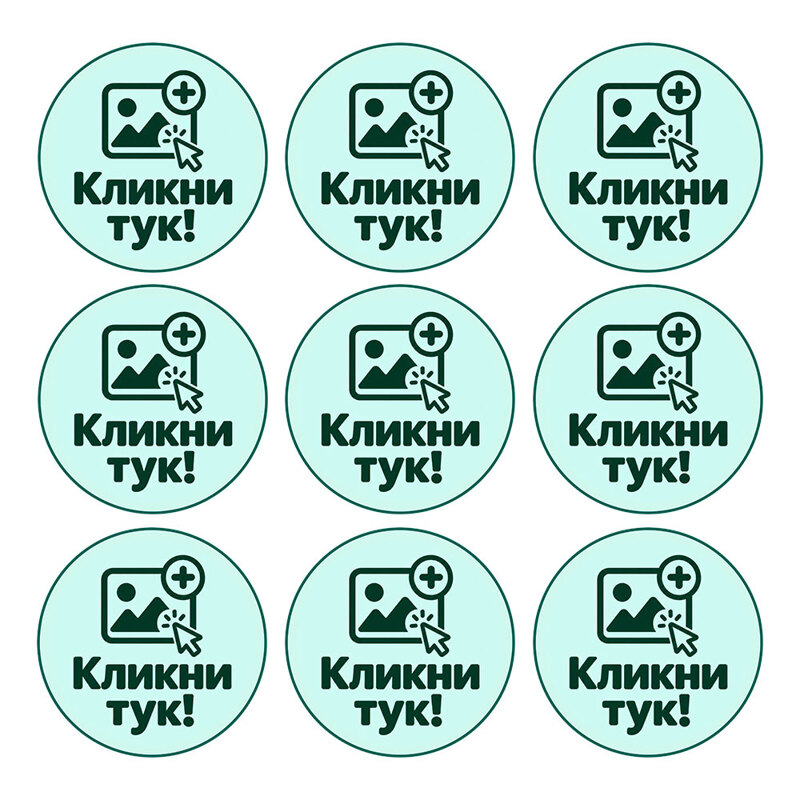
You prepare the content and review the finished layout in the editor. The images marked “Кликни тук!” (“Click here!”) indicate positions to replace with your own design.
🖱️ How to create your design
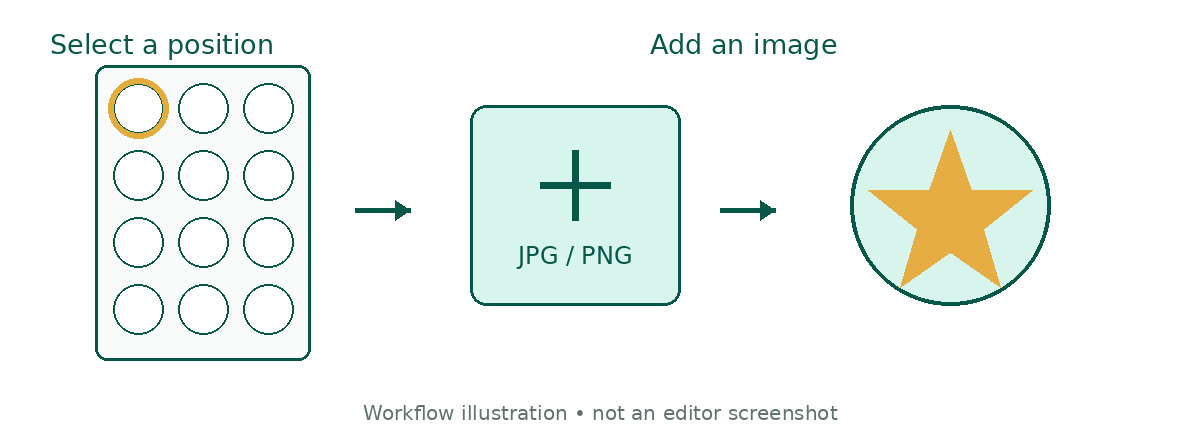
1. Open the editor and select a position
Open the custom design editor from the product page. Click the circle marked “Кликни тук!” that you wish to personalise.
2. Add your image
Use the image upload or replacement option and choose a file from your device. For a clear result, use a high resolution original without blurring or unwanted text.
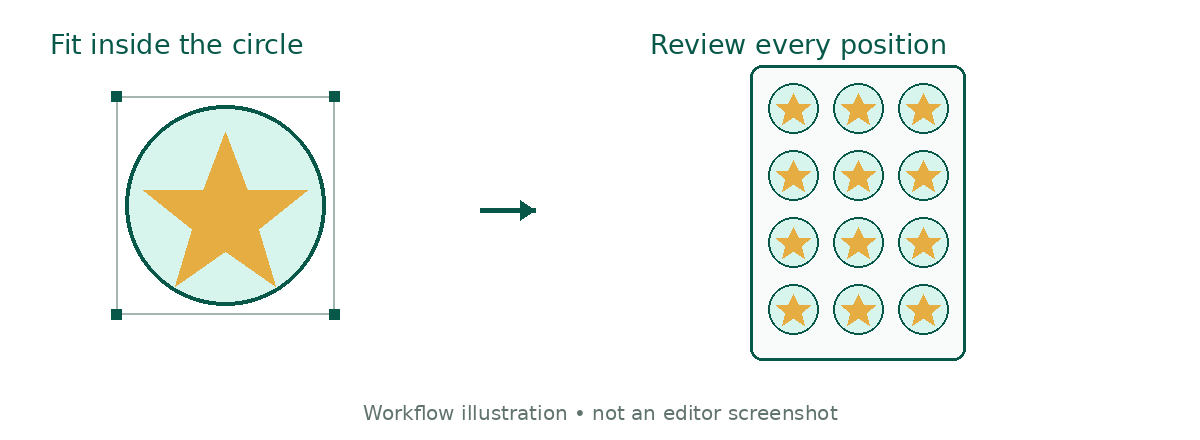
3. Fit your image inside the circle
Move and resize the image using the editor controls. Check that the desired part sits within the circular area. Keep faces, logos and important details away from the edge to avoid cropping them.
4. Complete and review the remaining positions
Repeat for every position you wish to print. Review the full sheet and check alignment, image clarity and the spelling of any text you have added. Make sure no “Кликни тук!” placeholders remain in positions intended for printing.
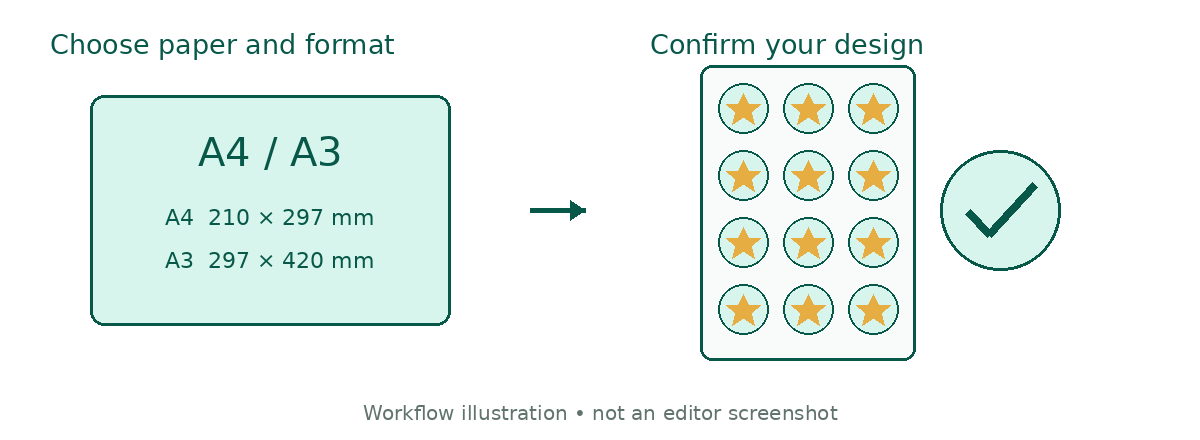
5. Choose paper and sheet size
Select your preferred printing option from the product options. Check that the selected sheet size matches the layout displayed in the editor.
6. Confirm your design and add the product to your cart
Finish editing using the available design confirmation or apply button. Review the product preview, select the quantity and add it to your cart. Before placing your order, check the paper, sheet size, quantity and attached design.
📄 Printing papers and sheet sizes
| Paper type | Sheet size |
|---|---|
| Fondant paper | A4 — 210 × 297 mm |
| Premium paper | A4 — 210 × 297 mm |
| Wafer paper | A4 — 210 × 297 mm |
| Transfer paper | A4 — 210 × 297 mm |
| Fondant paper | A3 — 297 × 420 mm |
A4 and A3 specify the sheet size. The diameter and arrangement of the individual circles depend on the specific layout in the editor.
✨ For a clear and attractive print
Use good quality images and inspect the composition in an enlarged preview. Enlarging a small file too much can reduce detail. Printed colours may differ from those on screen depending on display settings and the chosen paper.
Write a review
Your Name:Your Review: Note: HTML is not translated!
Rating: Bad Good
Enter the code in the box below:






 GDPR / Privacy Tools